
From time to time, many of us need to capture a picture of something on our computer screen, to share with tech support, or to show someone else how to work in a particular program.
Back in the olden days, we'd push the Print Screen button on our keyboard, which would save a shot of our entire computer screen into the clipboard, and we could then open Microsoft Paint and paste everything and then save it as a bitmap or possibly even a JPG. Sure, we could crop it down before sharing, but it was a pain.
NO MORE!
Snipping Tool has been a part of Microsoft Windows for years, but many are just now finding out about it.
Snipping Tool allows you to "lasso" just the part of your screen you want, and then either save the snip to an image file of your choosing, or drop it directly into an email, which you can then send to your desired recipient.
To access Snipping Tool, click your Start Menu and just start typing "Snipping Tool". Windows will automatically find the application for you and then you can click on it and start Snipping and sharing!
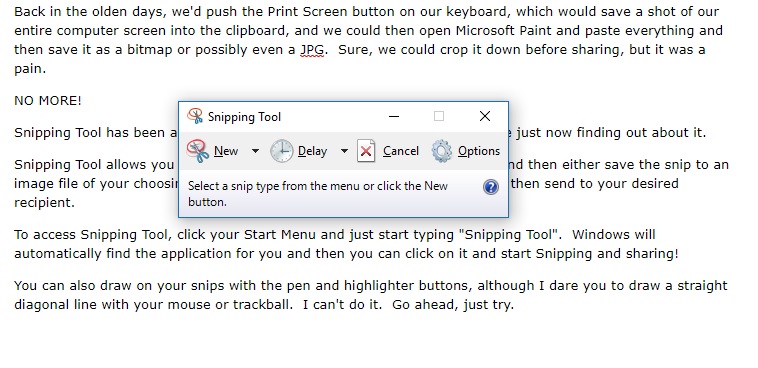
You can also draw on your snips with the pen and highlighter buttons, although I dare you to draw a straight diagonal line with your mouse or trackball. I can't do it. Go ahead, just try.
Comments
0 comments
Please sign in to leave a comment.