
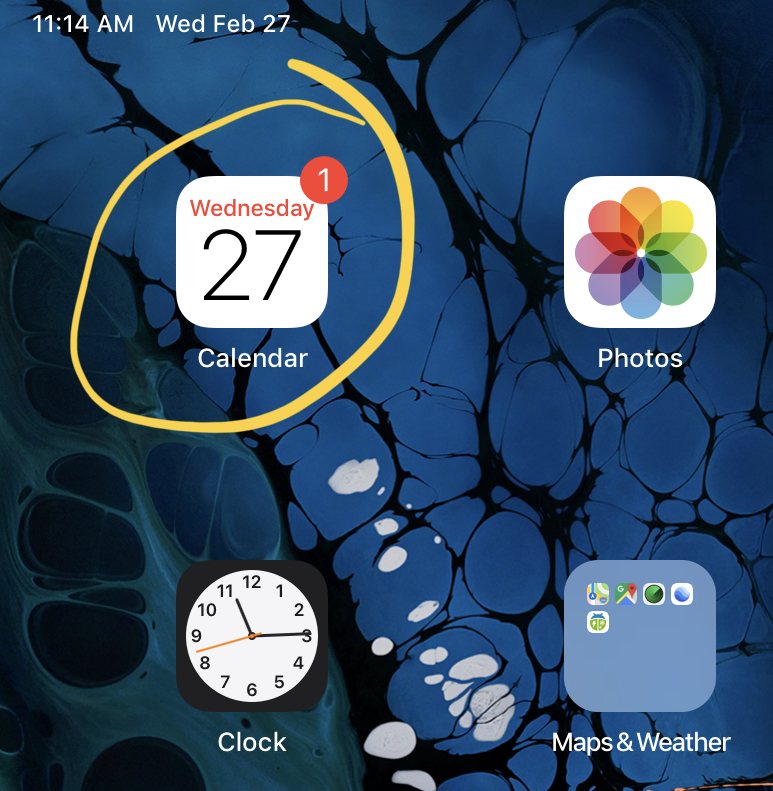
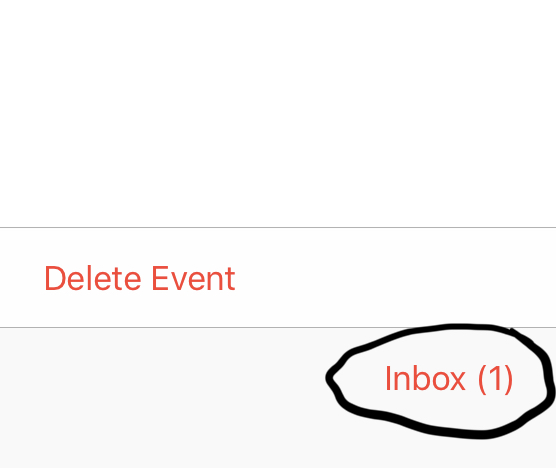
If you receive a calendar invitation from someone and you accept it, either on your Apple device, or your computer, from time to time, the Apple device might still show that you haven't accepted it. This is signified by showing a number on the calendar icon, and down at the bottom right of the calendar app itself. (as seen below)
You click Accept, OK, etc, and yet it still won't go away. Unfortunately, this is an age-old bug between Apple IOS devices and Microsoft Exchange.
Here's how to fix it.
Go to:
- Settings (the gray gear icon)
- Accounts and Passwords
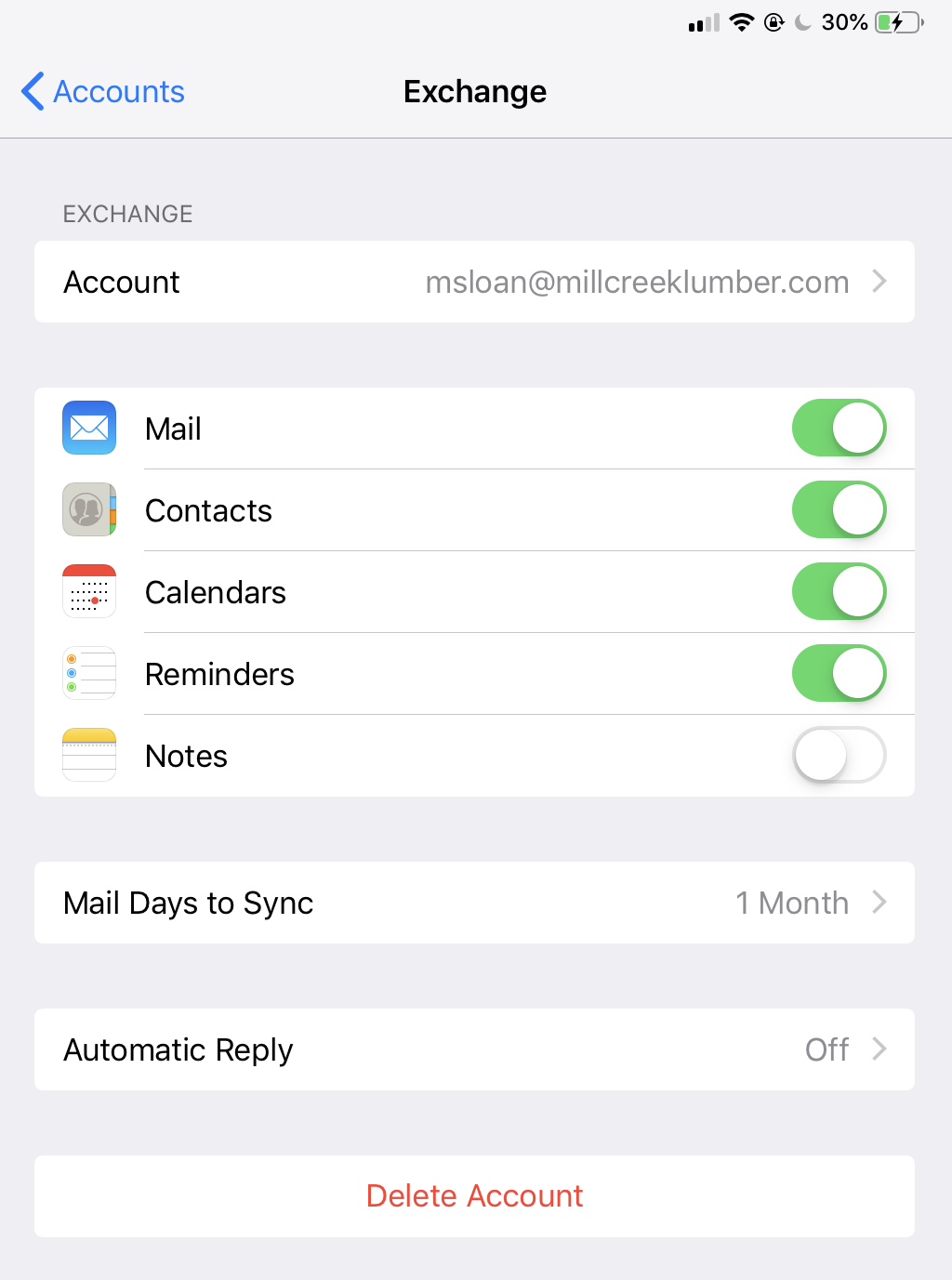
- Select your Mill Creek Exchange account (it's usually just labeled "Exchange")
- Uncheck the Calendar button
- It will warn you that your calendar will be deleted. This is fine, as all of your calendar events are saved on our server
- Completely close out of and clear the calendar app from your running apps
- Go back into the Exchange settings and check the Calendar button again, which will resume syncing of your calendar
- Open the Calendar app, and the annoying invitation should be gone now
Comments
0 comments
Please sign in to leave a comment.