
To delete an existing email account from your iPhone, follow these easy steps.
- Don't worry, deleting your email from your device doesn't delete your actual email account, it just erases the account from your phone or tablet.
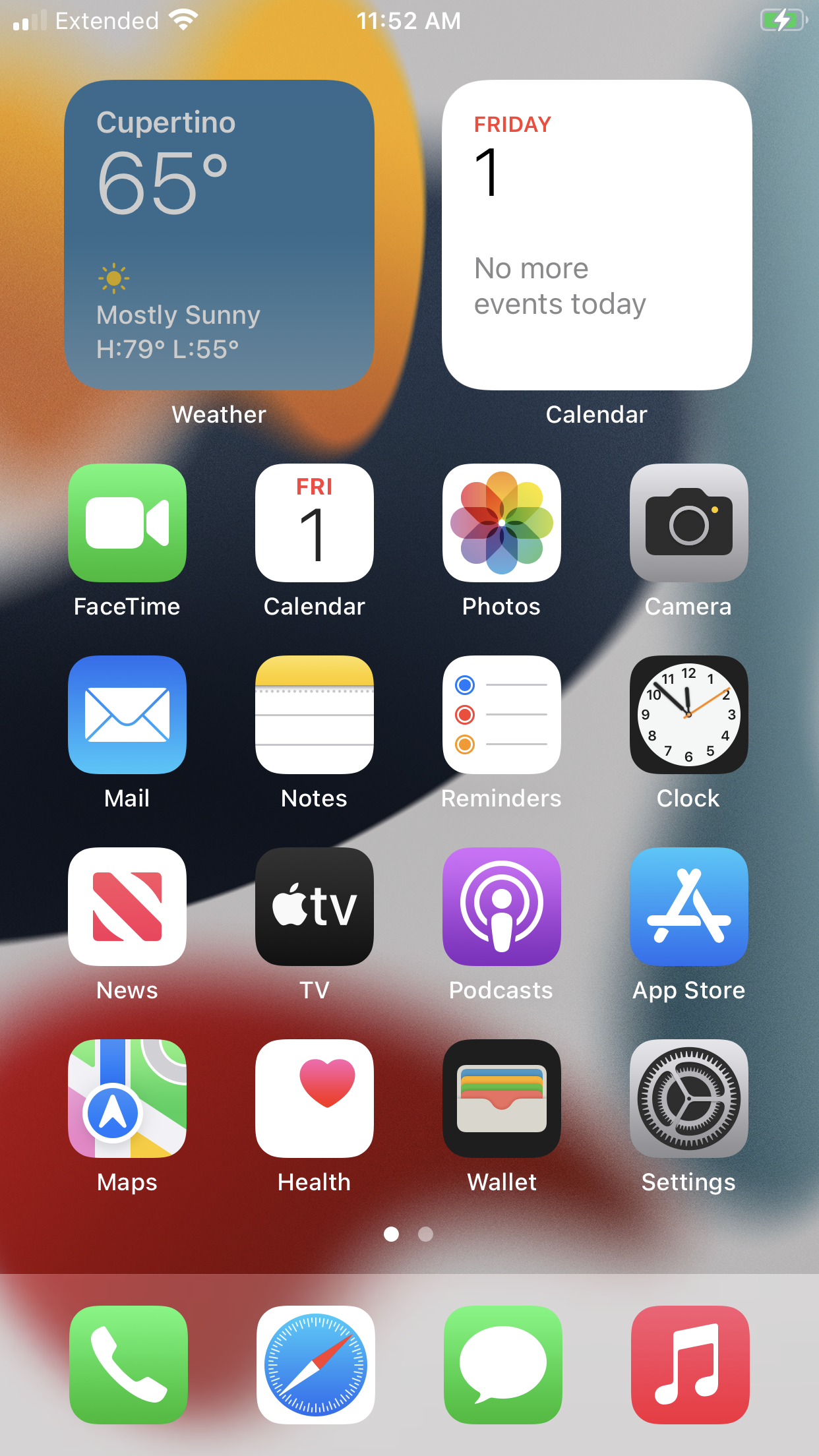
- Tap the silver Settings icon.
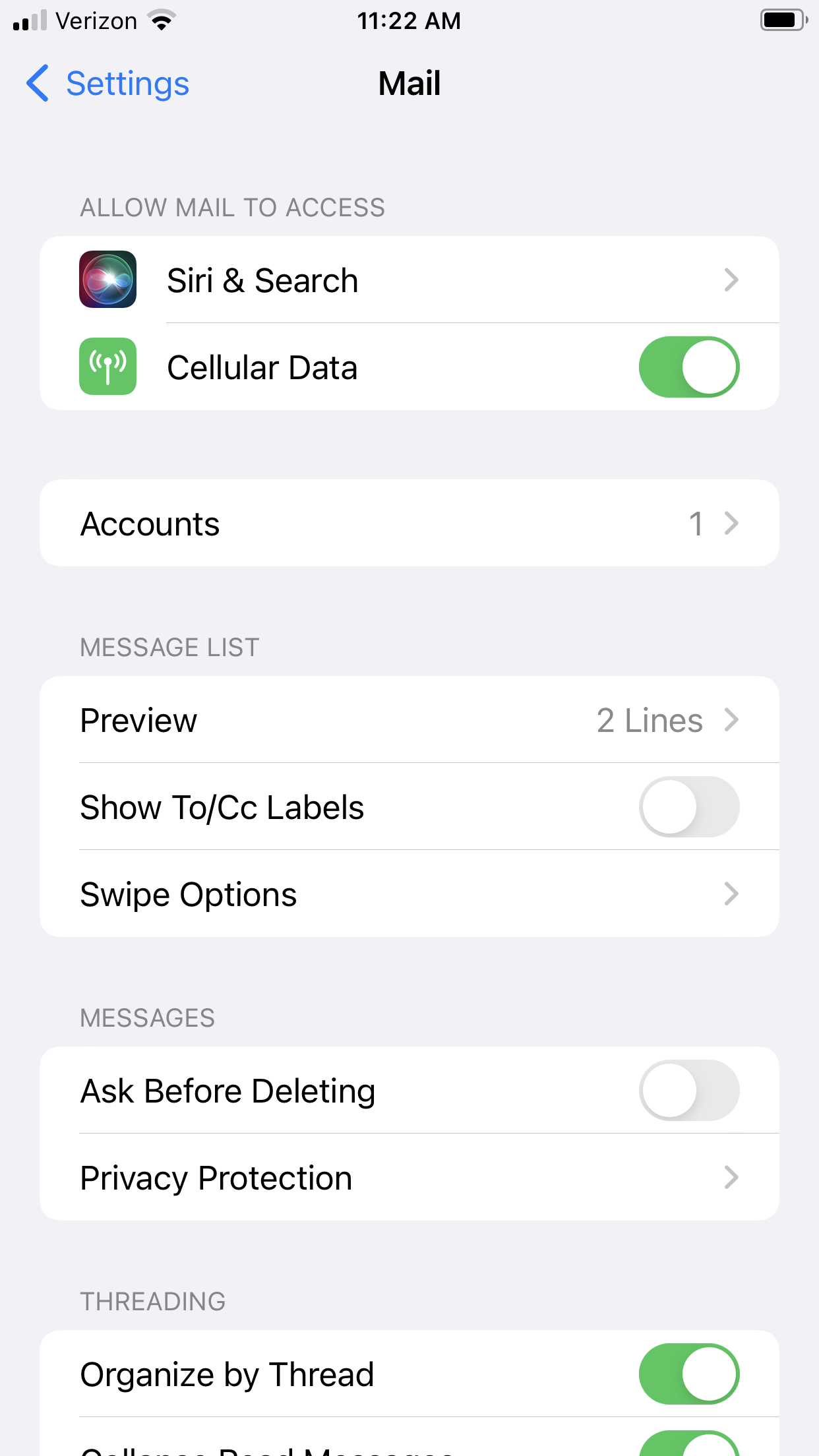
- Scroll down and then tap the Mail button.

- Tap the Accounts button.
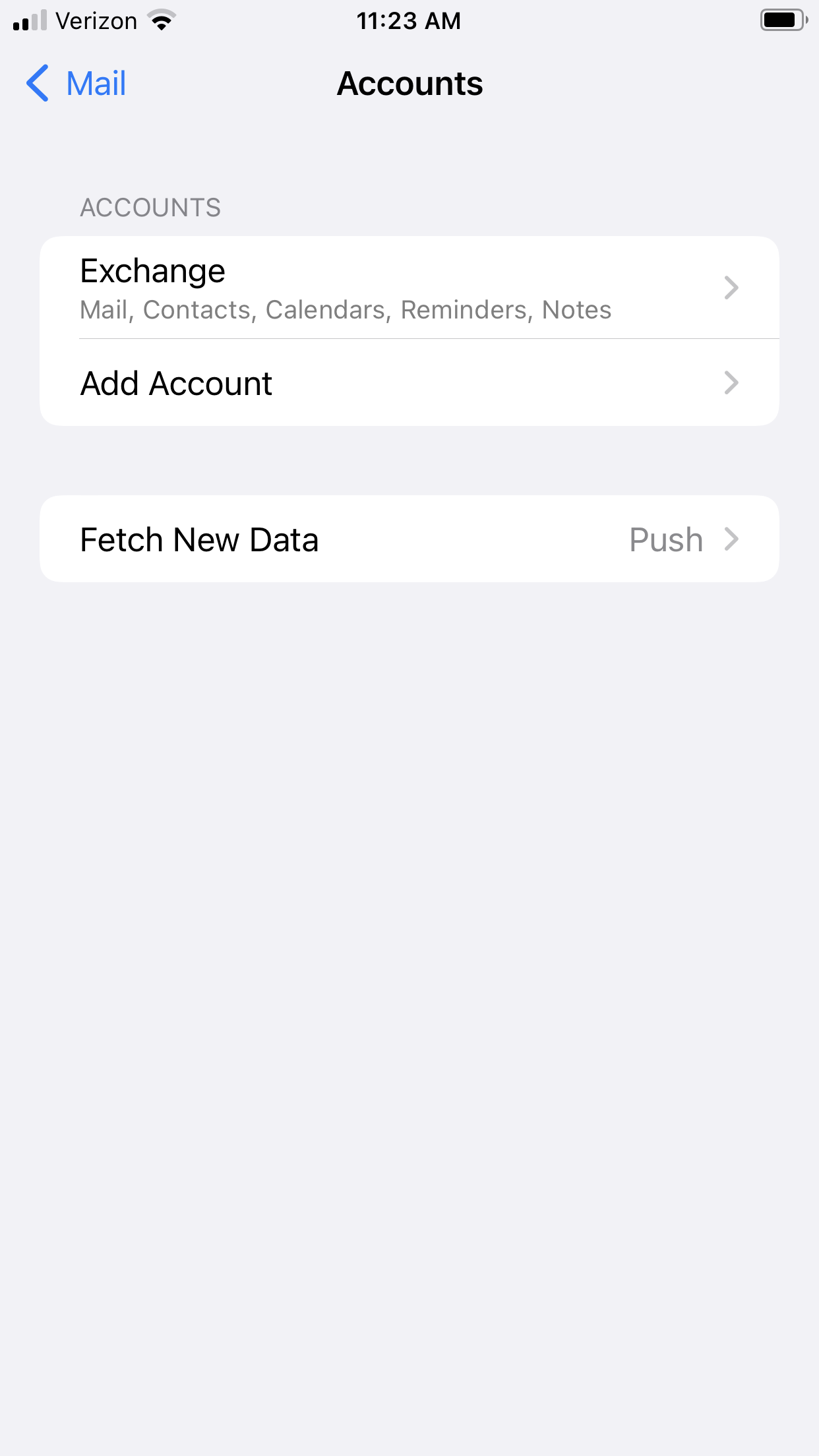
- Tap Exchange (or any other email account that you wish to delete).
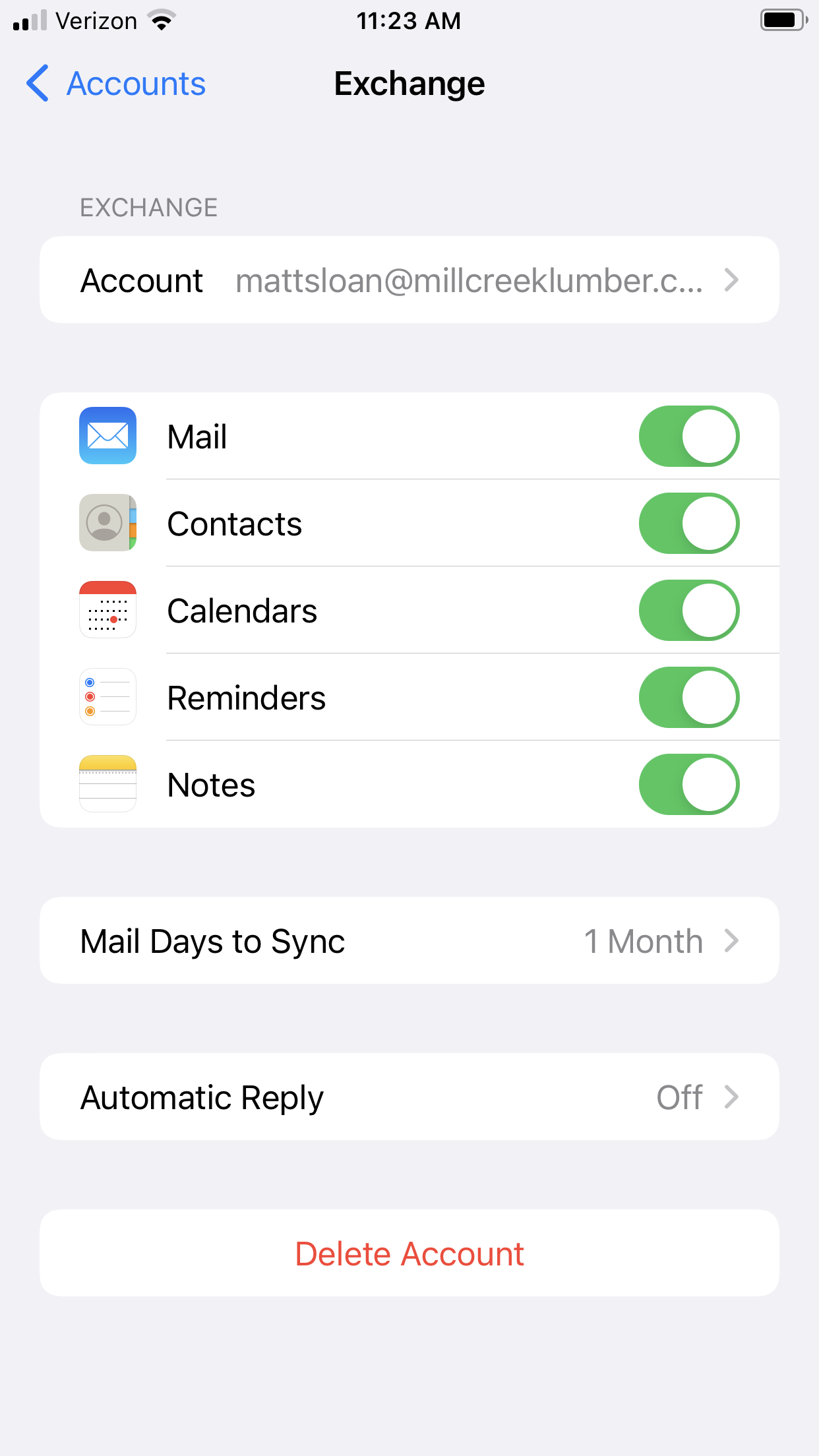
- Tap the red Delete Account button at the bottom of the screen.
- Confirm the deletion by tapping "Delete from My iPhone".

That's all there is to it!
Comments
0 comments
Please sign in to leave a comment.