
Click the "ModernAuth.reg" link below to download the registry fix file.
- Once saved, right-click on the file, then click Merge.
- Or, just open the downloaded file directly by single or double-clicking it. Then click Run.
If a User Account Control window pops up, click Yes.
Then a new warning window will pop up that looks like this:
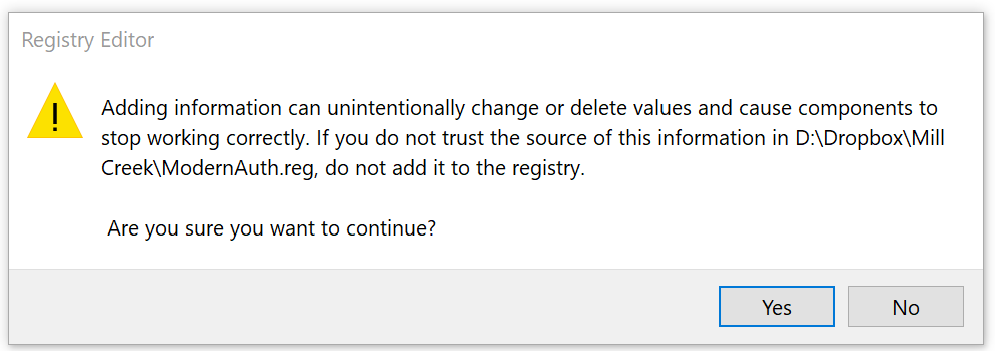
Click Yes.
Then try signing back into your Outlook account.
Comments
0 comments
Please sign in to leave a comment.